
Biometric Login
Face ID and fingerprint access help you enter the account faster while keeping data protected.
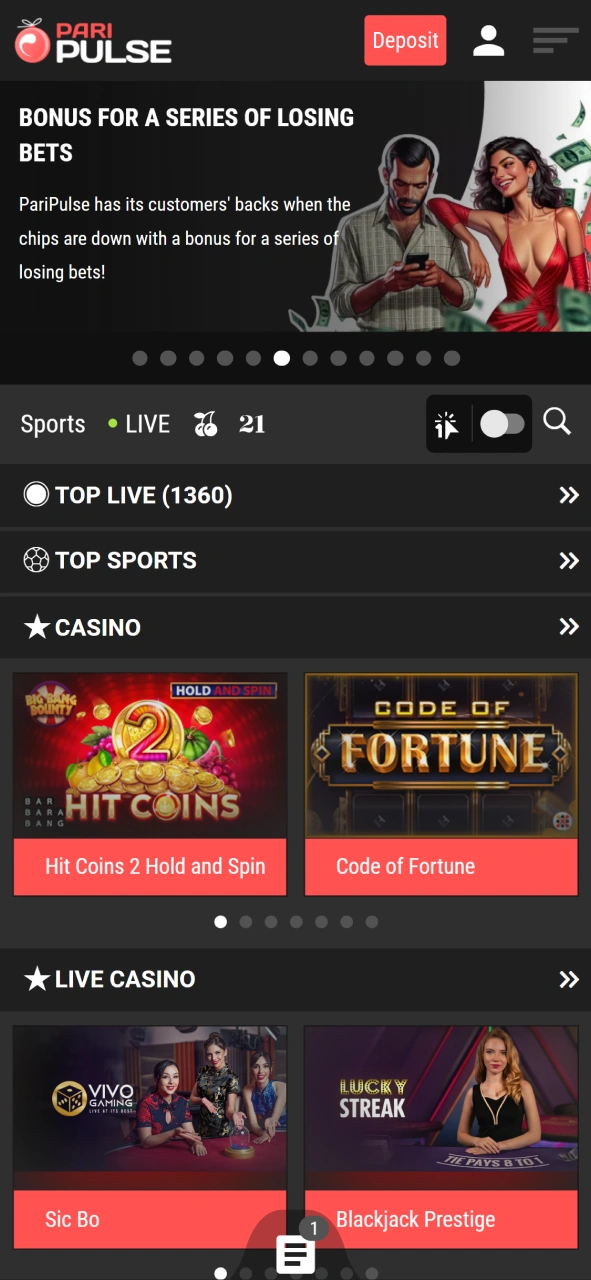
There is a mobile solution from PariPulse that brings sports betting and casino play directly to Android and iOS devices. The app gives access to live events, account tools, and secure payments in one place. Registration through the app unlocks the same functions as the website. New players can receive a 100% first deposit bonus up to 300 USD. Install the app and start today.

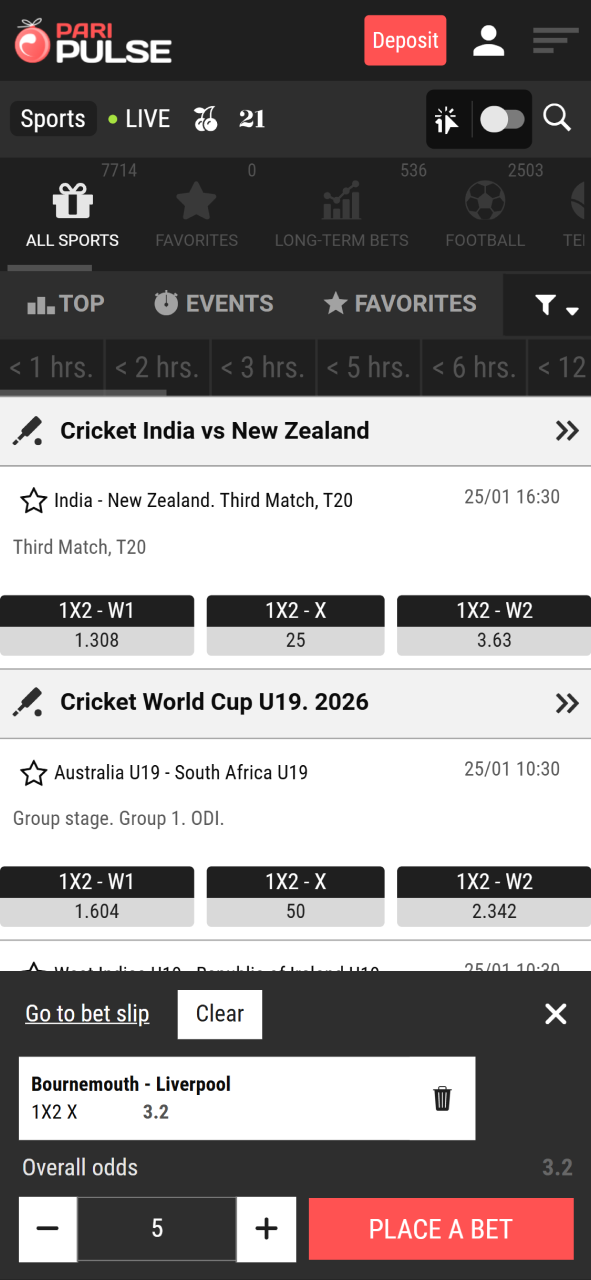
The Paripulse bet app gives full access to betting and casino sections through a mobile interface. Account tools, payments, and live events stay available in one place, with the same balance and settings as the desktop version.
Pros
Cons
| App Type | Android APK and iOS PWA |
| APK Size | 76 MB |
| Login Methods | Email, phone, one-click, social networks |
| Account Sync | Shared with the website |
| Live Betting | Available across major sports |
| Casino Access | Full casino section inside the app |
| Updates | Installed through the website or browser |
The Android downloading process uses an APK file from Paripulse. A short setup prepares the device and completes installation without extra tools.
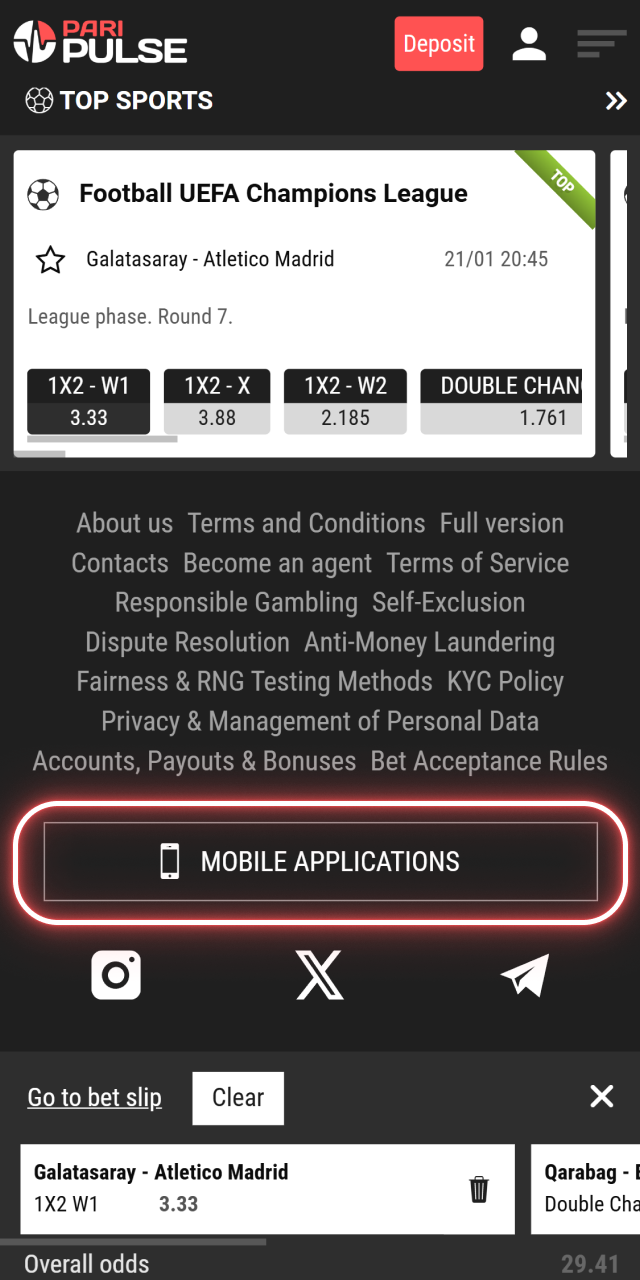
Open the Paripulse website and go to the Mobile App section.
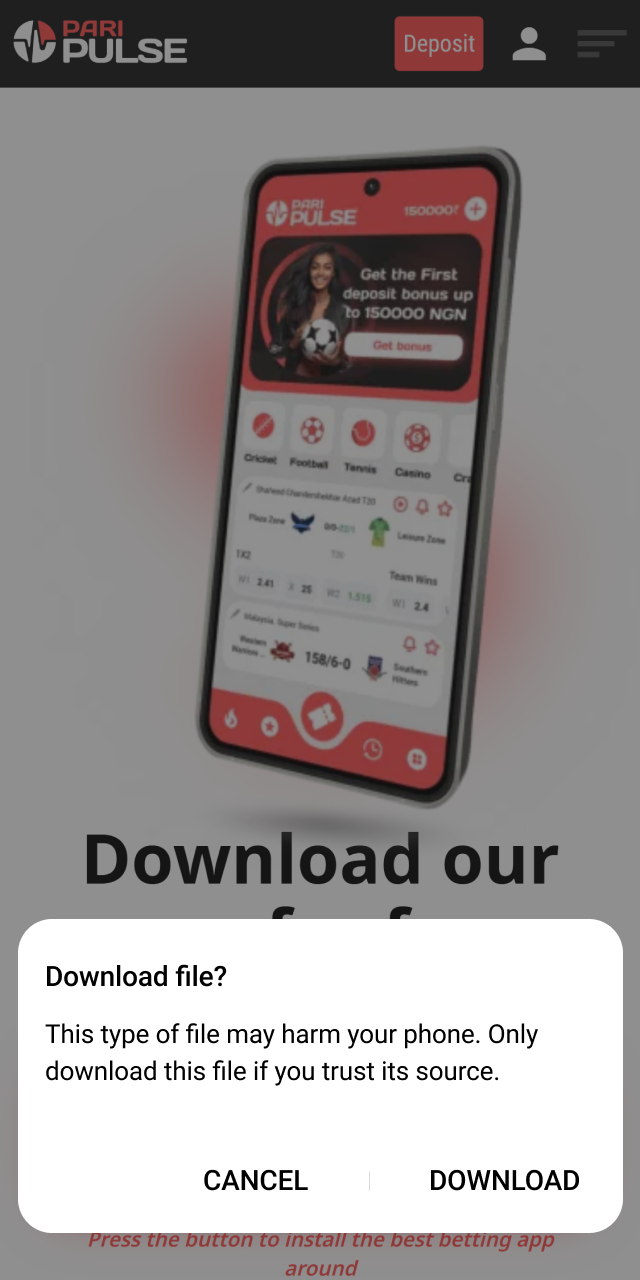
Select Android (Paipulse APK) and save the installation file to the device.
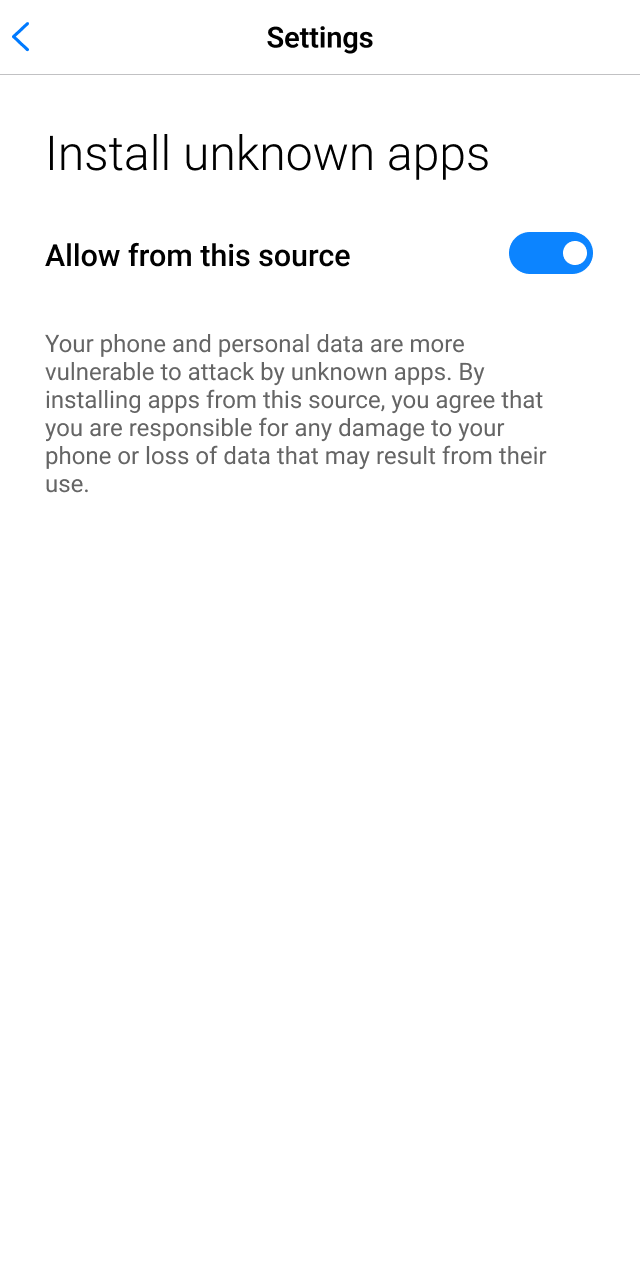
Open device settings, find the security or app installation permissions, and enable Unknown sources for the browser or file manager.
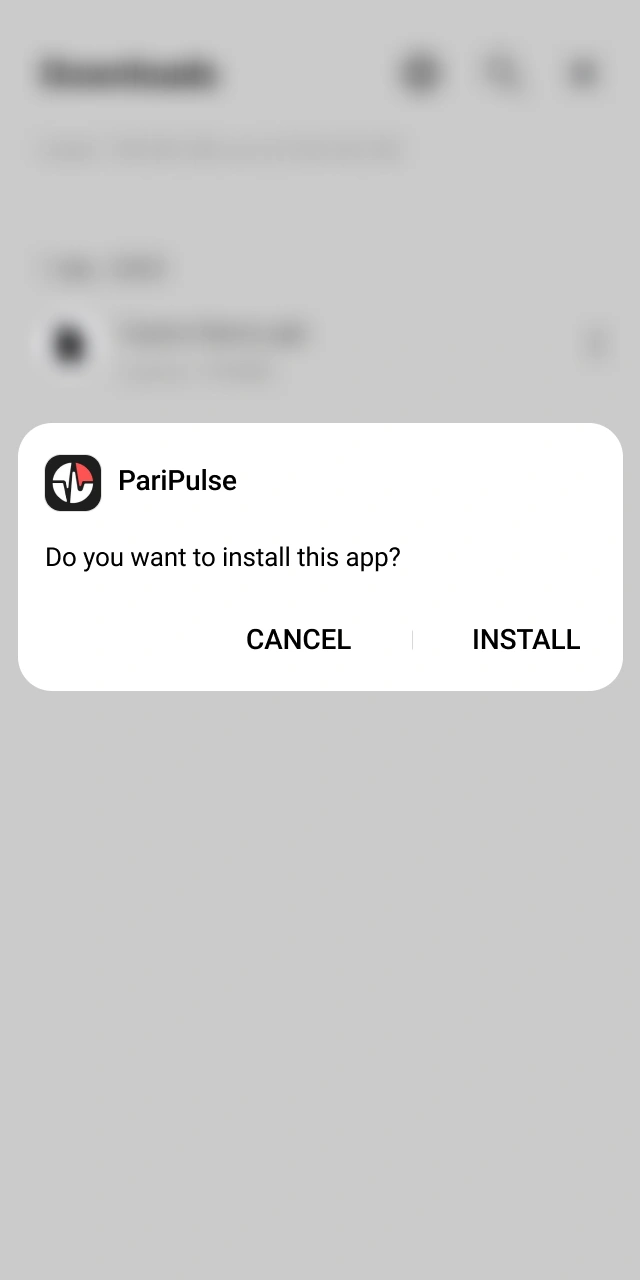
Open the downloaded Paripulse APK file, confirm installation, and wait until the app appears on the home screen.
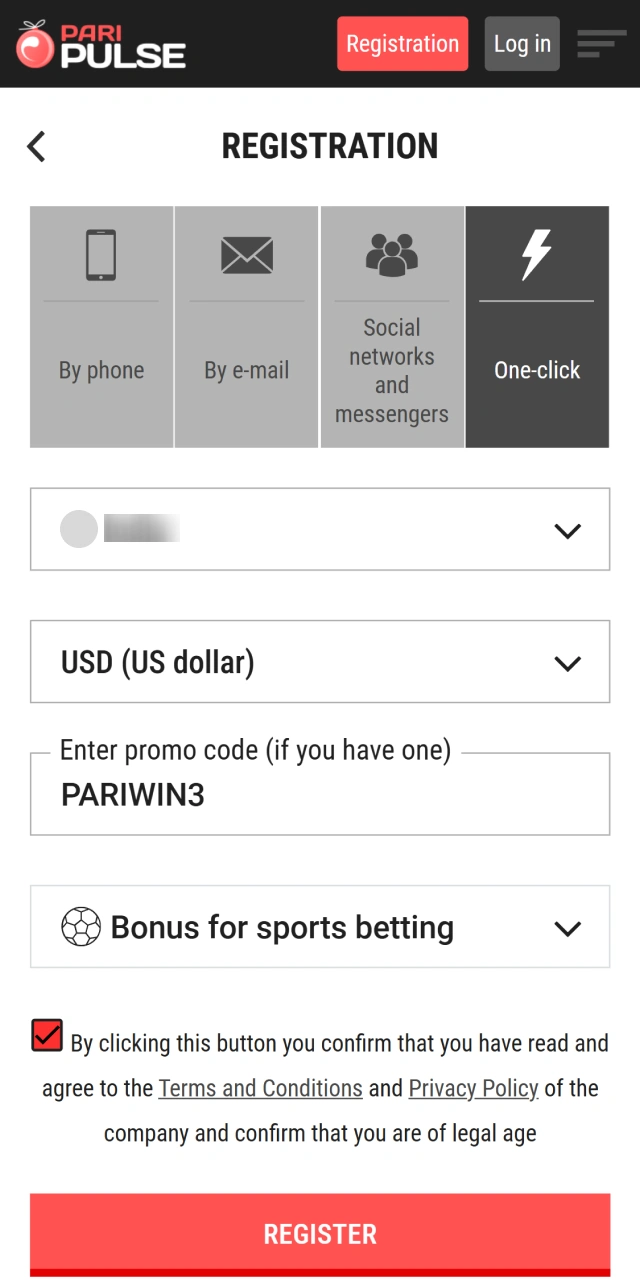
Open the Paripulse app and log in with existing details, or complete registration and activate the welcome bonus if needed.
Android installation requires basic system compatibility to support stable app work. Requirements stay moderate and fit most modern devices.
| Requirement | Details |
|---|---|
| Operating System | Android 8.0 or higher |
| APK File Size | 76 MB |
| Free Storage Space | At least 150 MB |
| Internet Connection | Stable mobile data or Wi-Fi |
| Permissions | App installation from unknown sources |
The Android app works on a wide range of modern smartphones and tablets. Compatibility depends on Android version, storage space, and standard hardware support.
| Brand | Compatible Models |
|---|---|
| Samsung | Galaxy S21, Galaxy S22, Galaxy S23, Galaxy S25, Galaxy A54, Galaxy A34 |
| Xiaomi | Redmi Note 11, Redmi Note 12, Redmi Note 13, Xiaomi 12, Xiaomi 13 |
| Huawei | P40, P50, Mate 40, Mate 50 |
| Oppo | Reno 8, Reno 9, Find X5 |
| Vivo | V25, V27, Y36 |
| Lenovo | Tab M10, Tab P11 |
| OnePlus | OnePlus 9, OnePlus 10, OnePlus 11 |
Devices listed above support the Paripulse APK when system requirements are met.
iOS access works through a PWA version of our platform, so installation happens through the browser and places an app icon on the home screen. The same account works on the website and on the iOS shortcut.
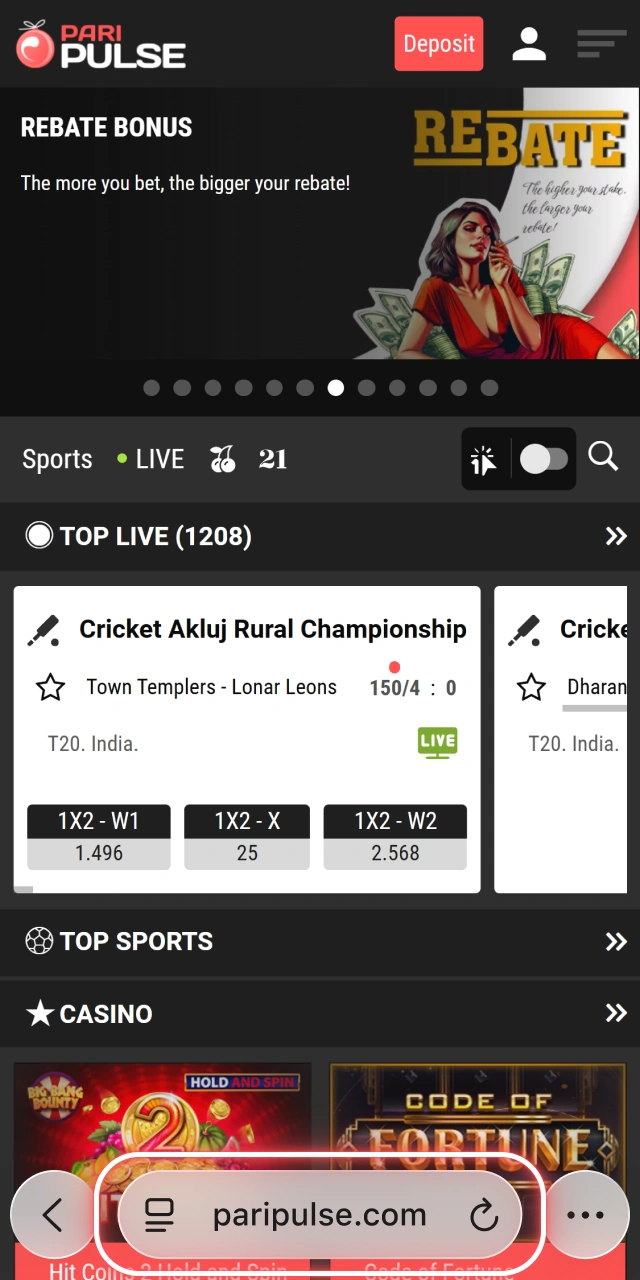
Open the Paripulse website and go to the Mobile App section.
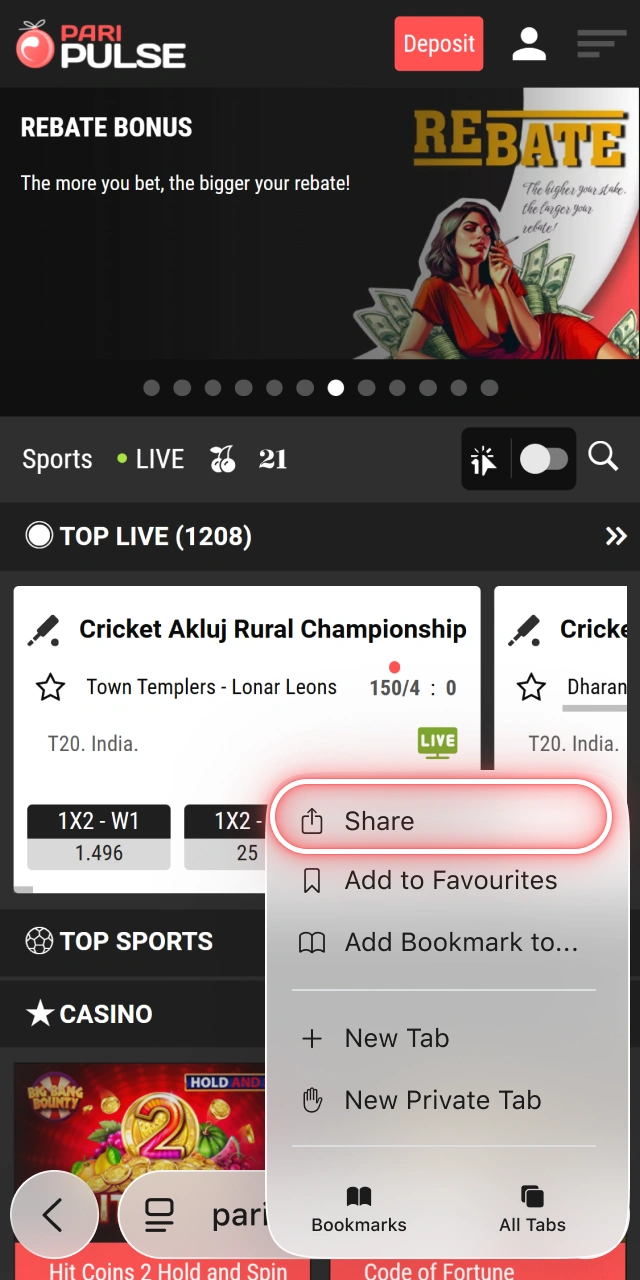
Select Android (Paipulse APK) and save the installation file to the device.
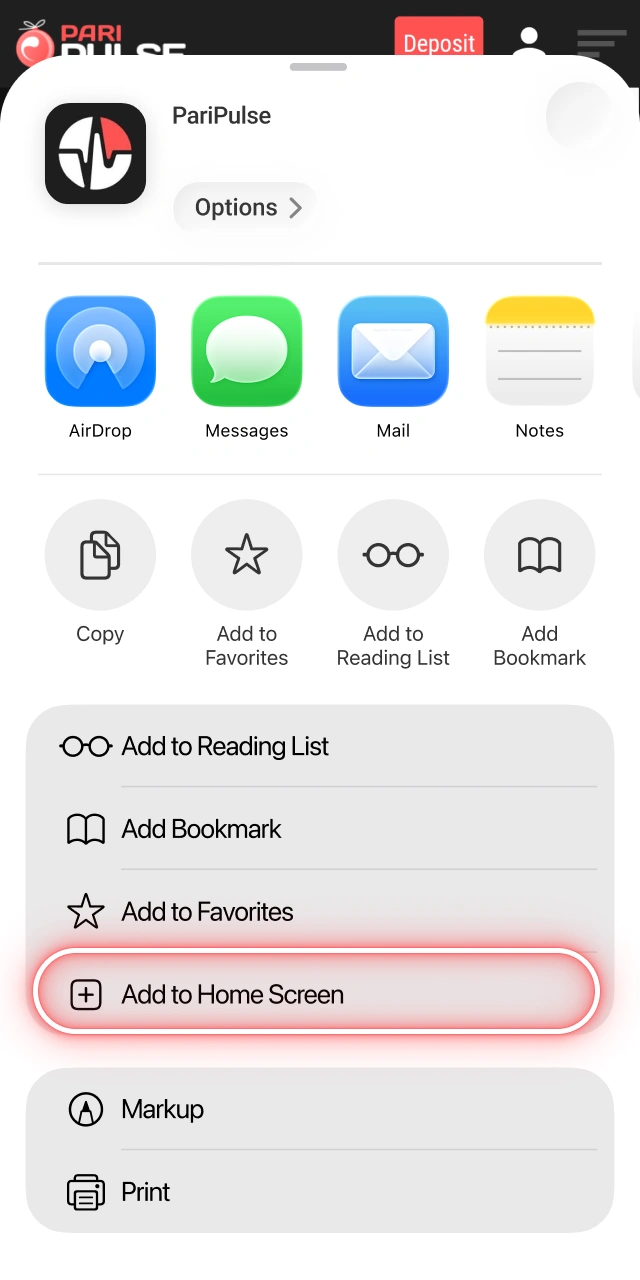
Open device settings, find the security or app installation permissions, and enable Unknown sources for the browser or file manager.
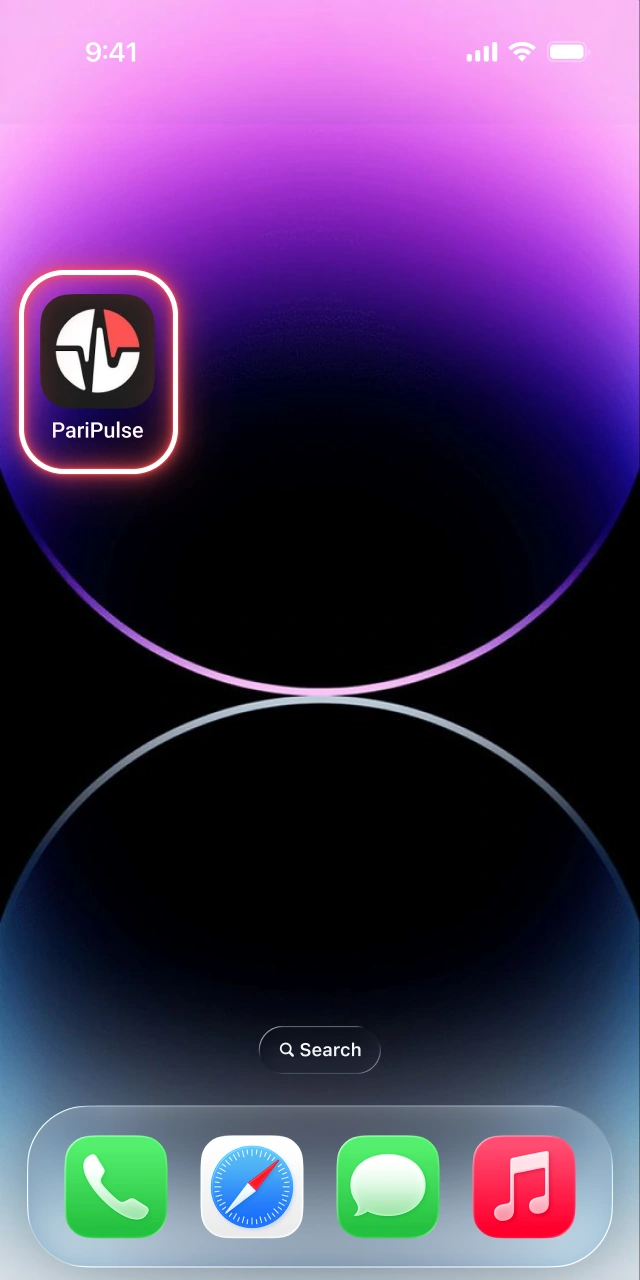
Open the downloaded Paripulse APK file, confirm installation, and wait until the app appears on the home screen.
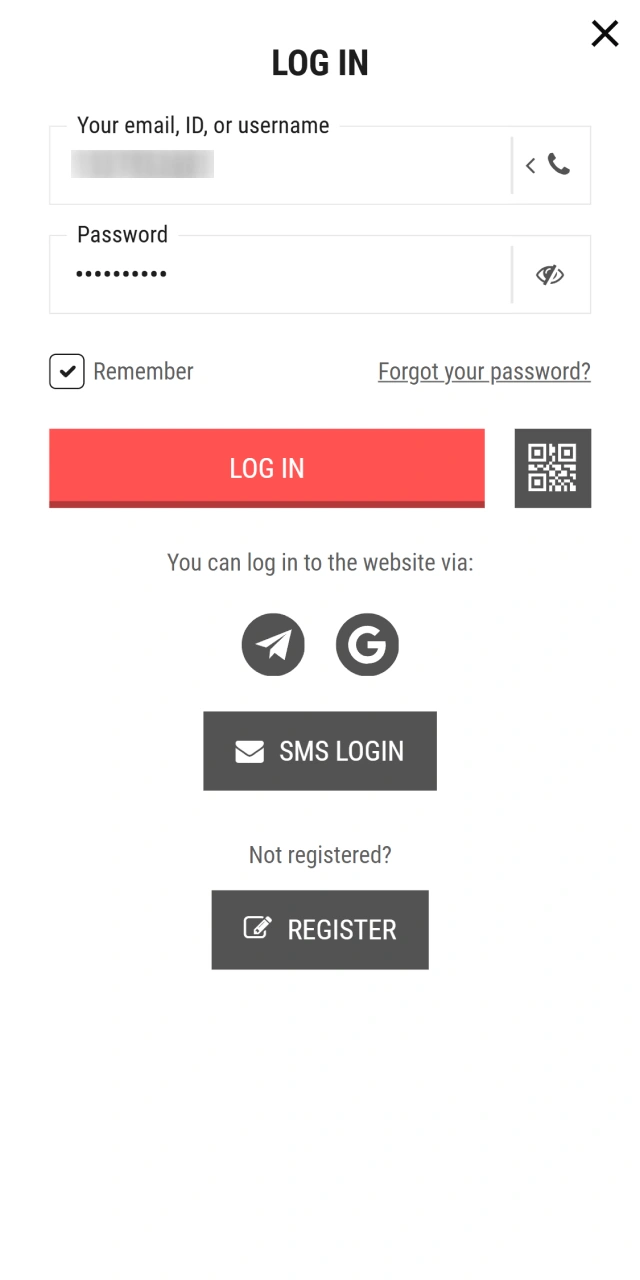
Open the Paripulse app and log in with existing details, or complete registration and activate the welcome bonus if needed.
The iOS version works as a PWA and runs through the Safari browser. Installation does not require App Store access and uses standard system features.
| Requirement | Details |
|---|---|
| Operating System | iOS 13 or higher |
| Browser | Safari (latest version recommended) |
| Storage Space | Minimal, icon-based access |
| Internet Connection | Stable mobile data or Wi-Fi |
| Apple ID | Not required |
The PWA version supports a wide range of Apple smartphones and tablets that run a compatible iOS version.
| Device Type | Compatible Models |
|---|---|
| iPhone | iPhone 11, iPhone 12, iPhone 13, iPhone 14, iPhone 15, iPhone 16, iPhone 17 |
| iPhone Mini | iPhone 12 Mini, iPhone 13 Mini |
| iPhone Pro | iPhone 11 Pro, 12 Pro, 13 Pro, 14 Pro, 15 Pro, 16 Pro |
| iPhone Pro Max | iPhone 11 Pro Max, 12 Pro Max, 13 Pro Max, 14 Pro Max, 15 Pro Max, 16 Pro Max |
| iPad | iPad 9th gen, 10th gen, iPad Air, iPad Pro |
| iPad Mini | iPad Mini 5, iPad Mini 6 |
Devices listed above support full access through the Paripulse PWA when system requirements are met.
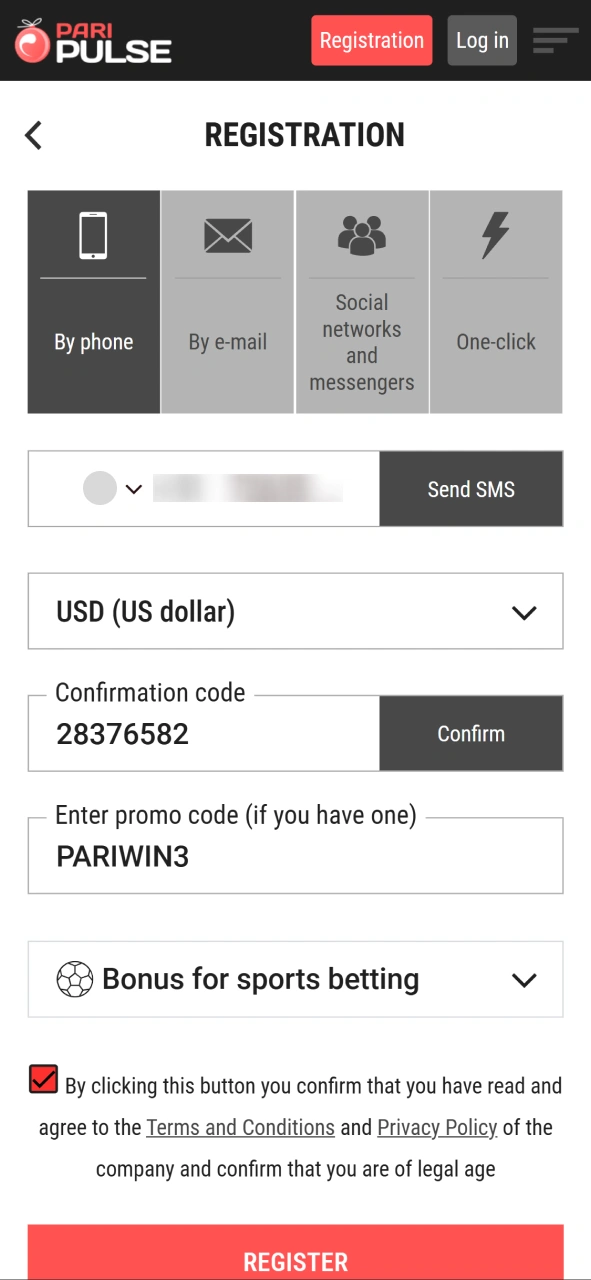
Registration through the Paripulse app gives direct access to sports betting, live sections, and casino games from a mobile device. The process follows the same rules as the website and supports all available registration methods.
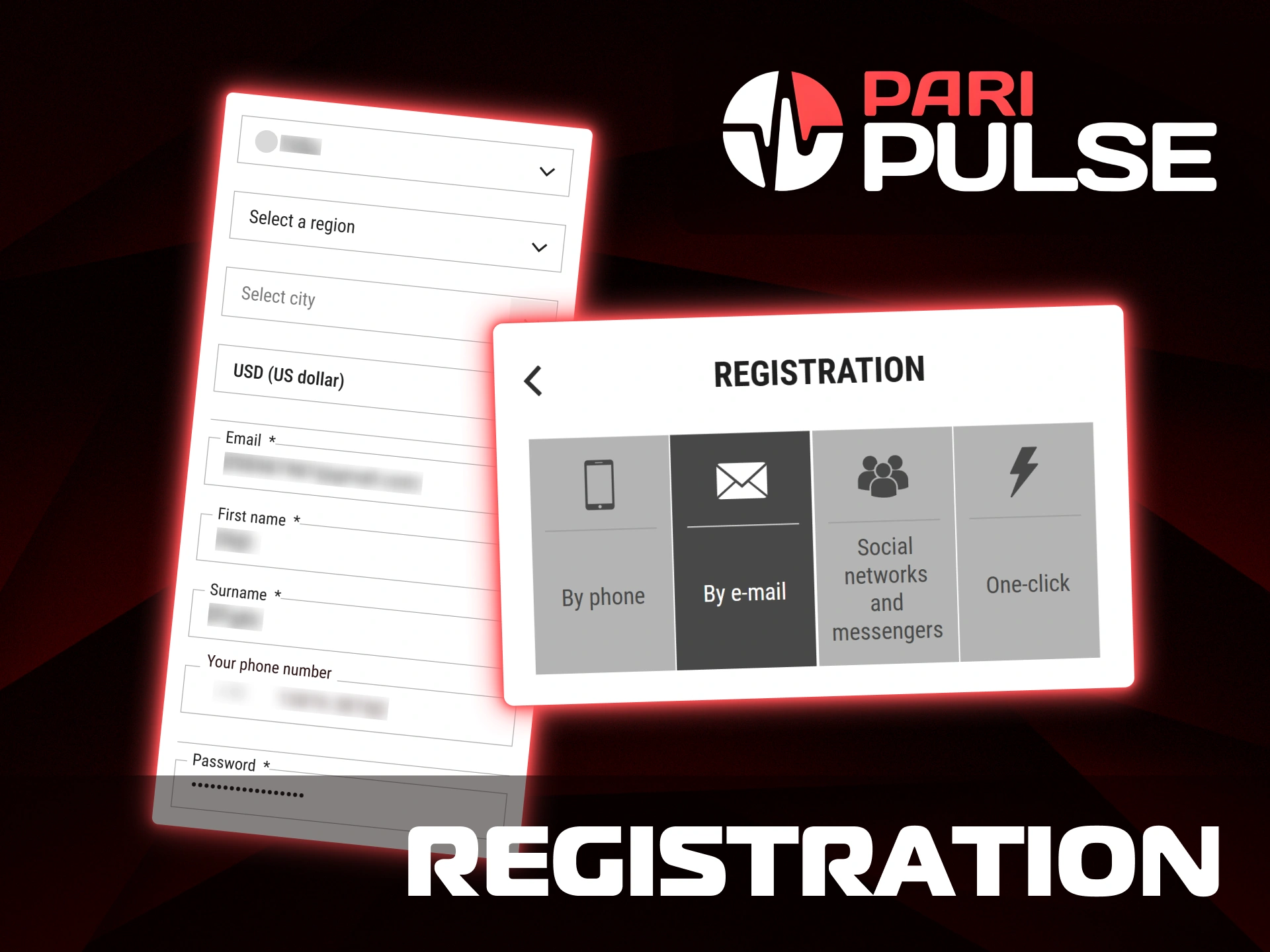
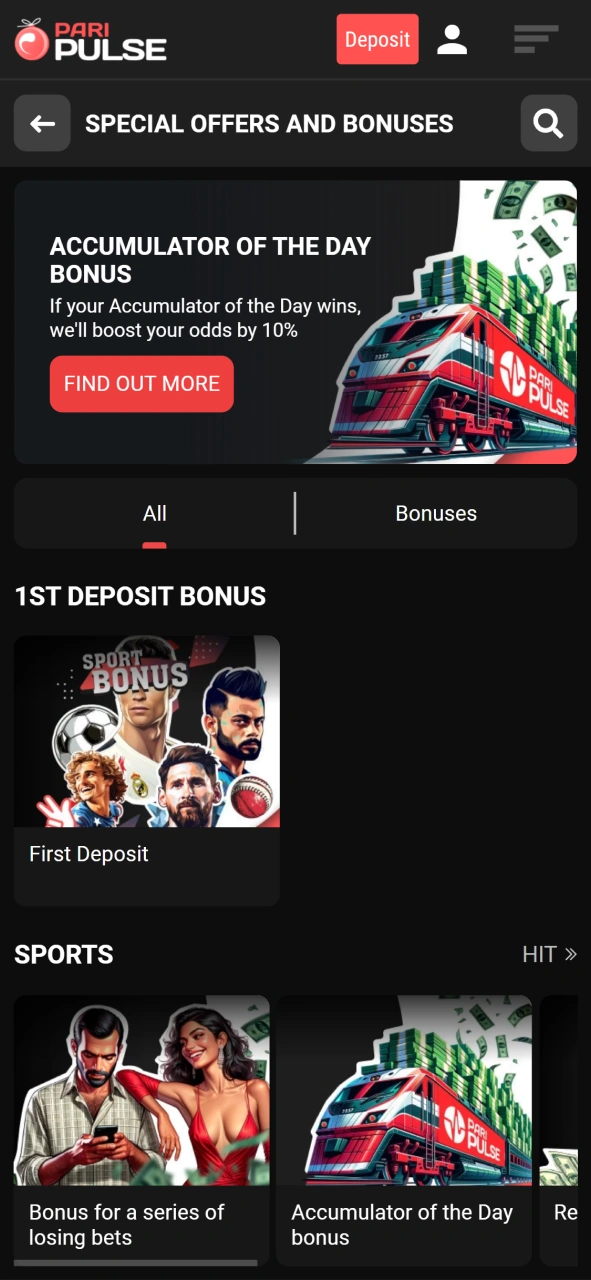
Paripulse app users receive the same bonus access as on our website. Registration through the app opens the welcome bonus for new accounts, with clear conditions and fixed limits. The bonus activates after the first deposit and supports sports betting. All terms apply equally across Android and iOS versions, and bonus control stays available inside the account menu.
| Bonus Type | Bonus Details | Key Conditions | How to Get |
|---|---|---|---|
| 1st Deposit Bonus | 100% bonus up to 300 USD | Minimum deposit 1 USD. Wager x5 on accumulator bets with 3+ selections at odds from 1.40. Crypto accounts excluded. | Register in the app, complete profile, verify phone number, make first deposit |
All bonus progress and wagering status remain visible inside the app account section. Paripulse reserves the right to adjust bonus terms or limit access in case of rule violations.
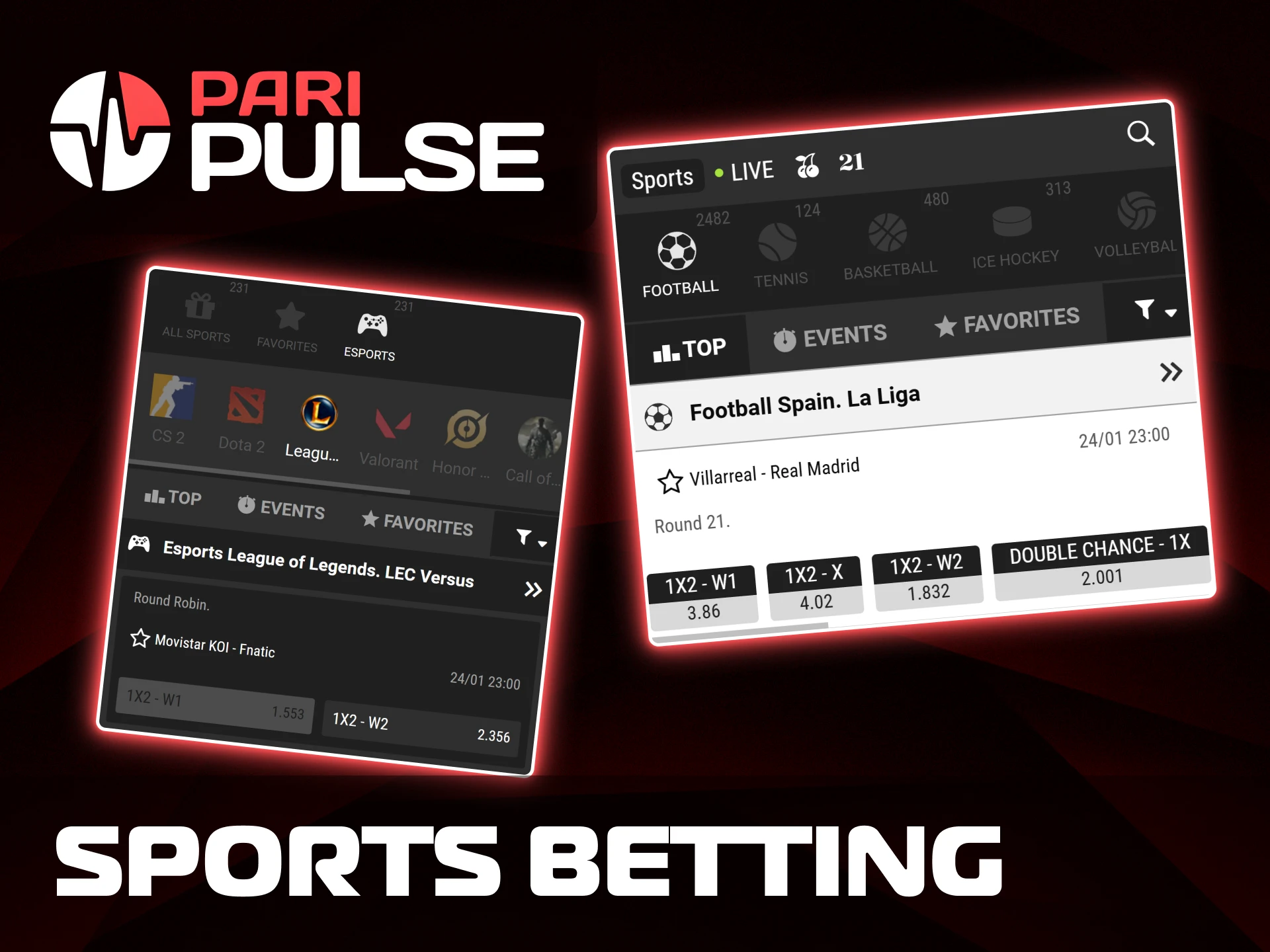
Mobile sports betting at Paripulse gives full access to our sportsbook through the app and mobile browser. The interface supports pre-match and live markets, quick odds updates, and full account control from one screen. All major competitions and daily events remain available without limits.
Markets, odds formats, and bet types remain identical to the desktop version, so mobile users can place bets without restrictions.
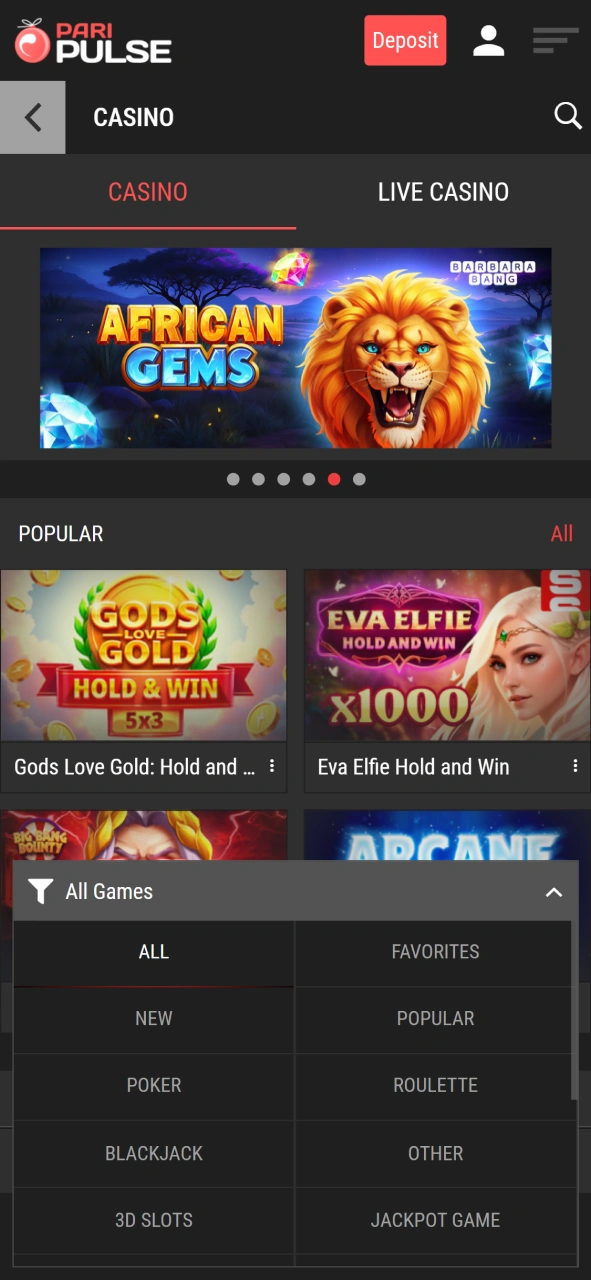
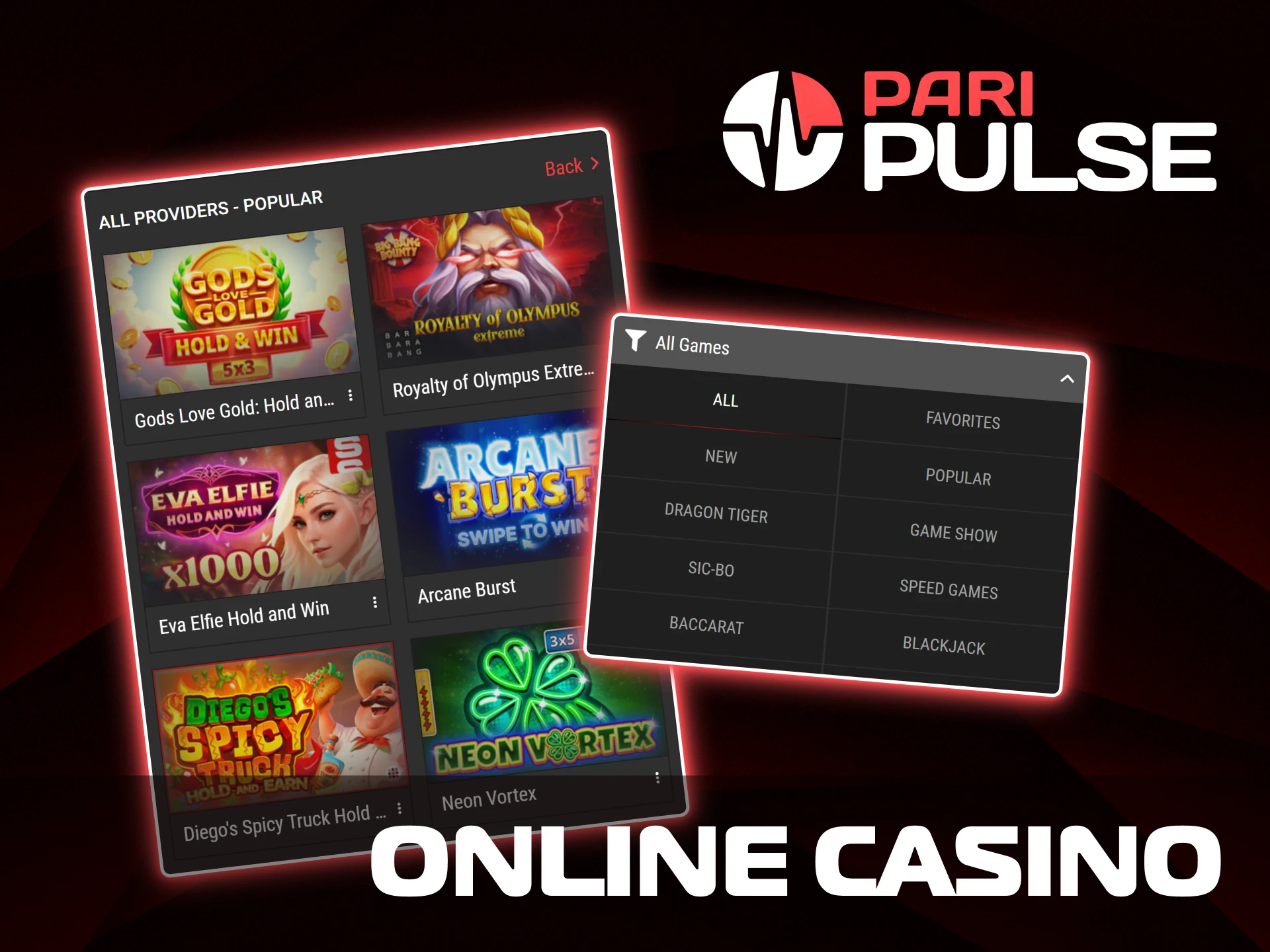
Paripulse online casino in the app gives access to real-money games from well-known providers. The mobile layout supports quick loading, clear navigation, and stable gameplay across different devices. All casino sections stay available in one account.
Game history, balance control, and limits remain visible at all times inside the app, so casino play stays under full control.
Paripulse app supports the same payment systems as the website, so balance actions stay available from a mobile device through one account.
Deposit limits usually start from 5 USD, while maximum amounts reach 10,000 USD for Binance Pay and up to 100,000 USD for Jeton Bank. Neteller deposits range from 10 USD to 5,000 USD. Cryptocurrency limits depend on the selected network. Processing time varies by method, from near-instant credits to several hours or business days for withdrawals.
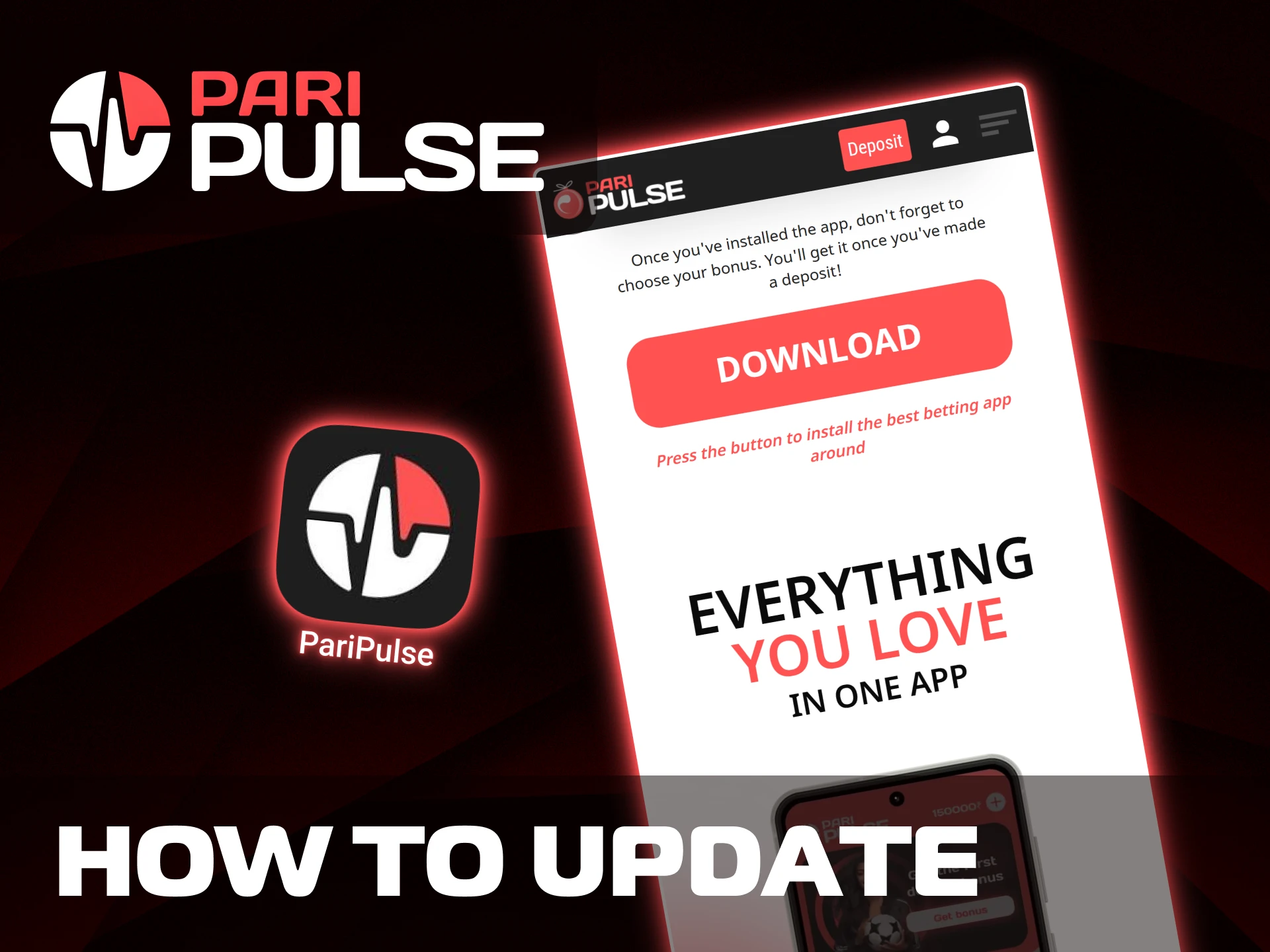
Paripulse mobile access stays stable without frequent manual actions. Update rules depend on the operating system, so Android and iOS follow different paths.
The Android version does not update on its own. A new file is required when a fresh build appears.
The iOS version works as a progressive web app and does not require manual updates.
Using the latest version helps keep access to account tools, betting sections, and payment features without interruptions.
Paripluse also works through a mobile browser without installing any files. The mobile version opens directly from the website and adapts to phone and tablet screens. This option fits users who prefer quick access, have limited storage, or switch devices often. All main sections stay available, including sports betting, live events, casino games, payments, and account tools. Login details stay the same, so one account works across the desktop, mobile version, and the app.
Both options give access to Paripluse services, but each suits different usage habits. The app focuses on regular play and quick access, while the mobile website works well for instant entry through a browser.
| Feature | Mobile App | Mobile Website |
|---|---|---|
| Installation | Requires APK on Android or PWA setup on iOS | No installation, opens in browser |
| Access Speed | Opens directly from the device screen | Depends on the browser loading |
| Updates | Android manual update, iOS auto | Updates apply automatically |
| Storage Use | Uses device storage (APK about 76 MB) | No storage use |
| Notifications | Push notifications available | Browser alerts only |
| Offline Access | Limited cached access | Not available |
| Best Use Case | Regular betting and casino play | Quick access without setup |
Our app is designed for players who prefer quick access to betting and casino sections from one place. The interface focuses on clear navigation, stable performance, and tools that help manage account activity without extra steps.
Face ID and fingerprint access help you enter the account faster while keeping data protected.
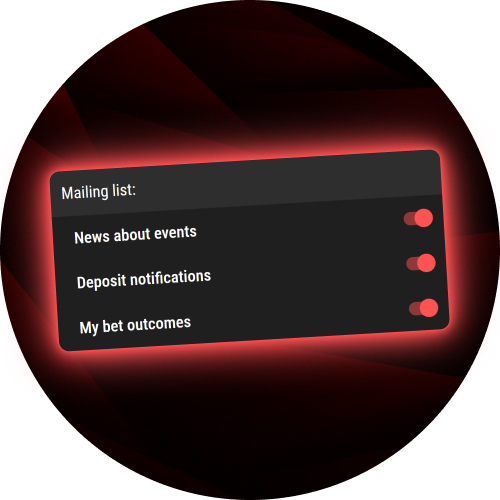
Alerts inform about bet status, account actions, bonuses, and important updates in real time.
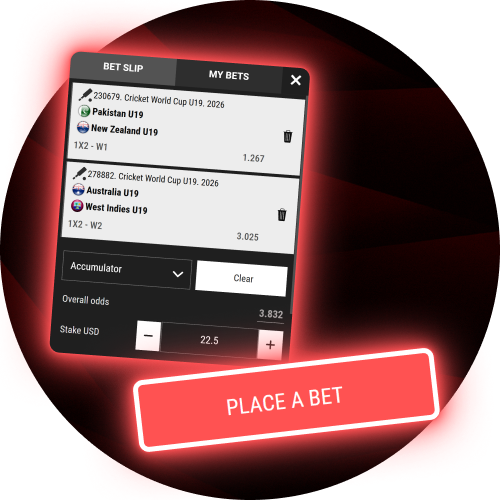
Pre-match and live betting sections stay available with updated odds and event lists.

Slots, live dealer games, and instant titles open directly without browser redirects.
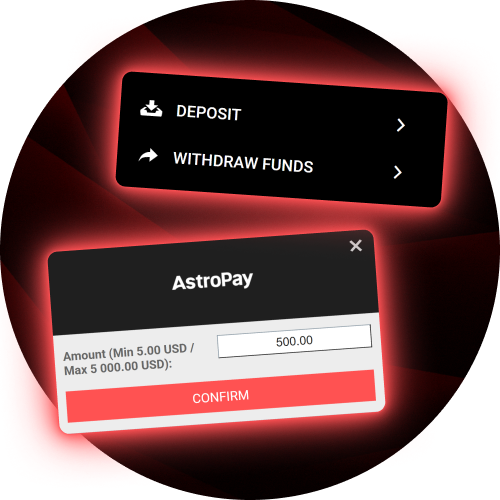
Payment sections stay accessible from the account menu with saved preferences.
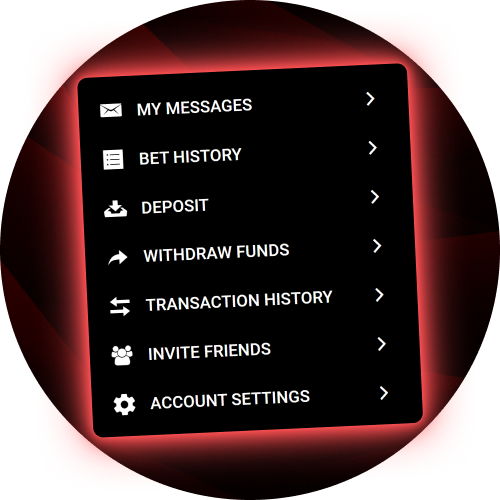
Balance control, betting history, limits, and verification settings remain easy to reach.
The app runs smoothly even during peak hours and large live events.
These features help us keep betting and casino access clear, controlled, and ready for daily use.
Our support team helps with account questions, payments, technical issues, and general platform use.
Assistance is available every day, so players can reach us through the channel that feels most convenient.
Yes, one account can be used on different devices. Login details stay the same, and balance, bets, and history sync automatically.
Data usage depends on activity. Live sections and streams use more traffic, while standard navigation and bets use less.
Biometric access stays optional. It can be turned on or off inside account settings at any time.
Yes, notification types can be adjusted. Players may keep alerts for bets, bonuses, or account activity and turn off others.
The app supports several languages. Language selection stays available in settings without account changes.
Closing and reopening the app usually resolves the issue. Android users may reinstall the APK if problems repeat.
Odds, markets, and games stay identical on both versions. Only the access method and interface behavior differ.
Yes, the app and mobile version work on tablets with compatible operating systems and screen sizes.
Updated:
Comments