
Contact Paripulse
Paripulse provides several contact options for questions, support requests, and feedback. Each channel serves a specific purpose, which helps messages reach the right team without delay. Visitors can choose live chat, email, the contact form, or social channels based on the topic and urgency.
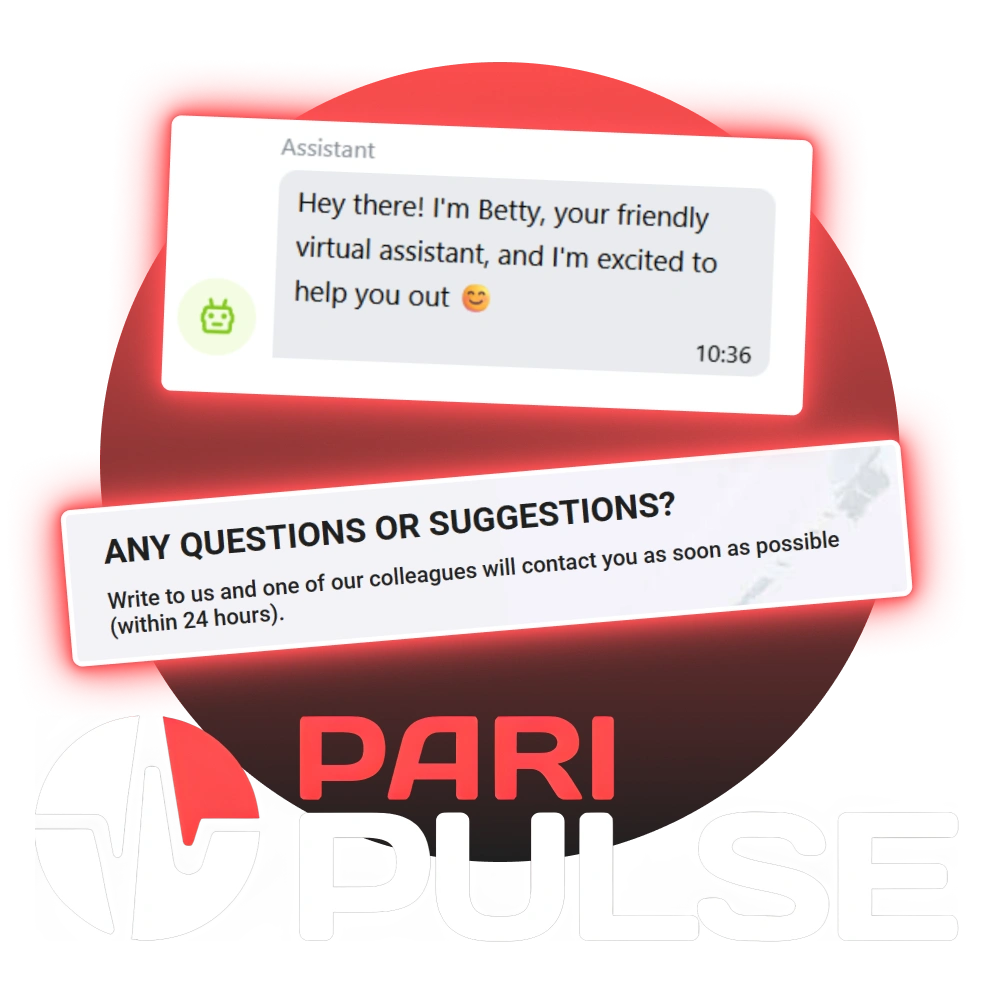
Quick Help via Live Chat
Live chat is the fastest way to reach our team for day-to-day questions. Chat works directly on our website and suits topics like account access, deposits, withdrawals, bet settlement, and general site use. Our agents can also guide visitors to the right email address when a request needs a specialist review.
If a case needs documents or extra checks, our team may ask for a follow-up by email. Live chat still helps at the start, since it points the request to the correct route.
Contact Form for Questions and Suggestions
Paripulse has a contact form for messages sent from the website. A reply usually arrives within 24 hours. The form asks for:
- First name;
- Email address;
- Message text;
- A consent checkbox for personal data processing and sharing with third parties when it is required for support and review.
After the consent checkbox is selected, the message can be sent to our team. The form suits general questions, feedback, and topics that do not require immediate action.
E-mail Addresses for Direct Requests
Email works best for formal requests, detailed cases, and matters that need attachments. Our website uses separate addresses for different topics, so the request reaches the right team faster.
- Data protection: [email protected]
Use this address for privacy questions, personal data requests, and policy topics; - Security department: [email protected]
Use this address for account protection issues, access problems, identity checks, and suspicious activity reports; - Queries and suggestions: [email protected]
Use this address for claims, disputes, service feedback, and formal complaints; - General queries: [email protected]
Use this address for partnership questions, media topics, and common site information; - Technical support: [email protected]
Use this address for site errors, payment page issues, login errors, and device or browser problems.
A clear subject line helps, for example, “Account access”, “Withdrawal check”, or “Privacy request”. Screenshots and order numbers can be added when they exist.
Tips for Faster Replies
A short set of details helps our team handle a request without extra back-and-forth:
- Account email or ID, when relevant;
- Date and time of the issue;
- Payment method name, when relevant;
- Error text, if it appears on screen;
- Screenshot, when it helps explain the issue.
Paripulse keeps contact routes clear, so each request reaches the right team and gets a proper answer.
Comments
Updated:
Social Channels
Paripulse also keeps contact channels on social platforms. These channels suit short questions, updates, and basic guidance. Requests that need account details should go through live chat or email. Our social channels:
For safety, private account data should stay out of public messages. Our team may redirect such requests to secure channels.