Paripulse Account Registration and Login

PariPulse is an online platform that brings sports betting and gaming services together under one account. Registration on our platform takes only a short time and gives access to sports markets, live events, and account tools. After account creation, deposits and bets become available without delay. New players who register at Paripulse can receive a 100% first deposit bonus up to 300 USD, which adds extra value at the start. Create an account on Paripulse and get started today.

Sign up now to claim the 100% first deposit bonus at PariPulse.

How to Register a Paripulse Account

Account registration on our platform follows a clear structure and gives access to sports betting, live sections, and account tools. Several registration methods are available, so that each visitor can choose a suitable option. During registration, country and account currency are selected, and the welcome bonus can be activated before account confirmation.

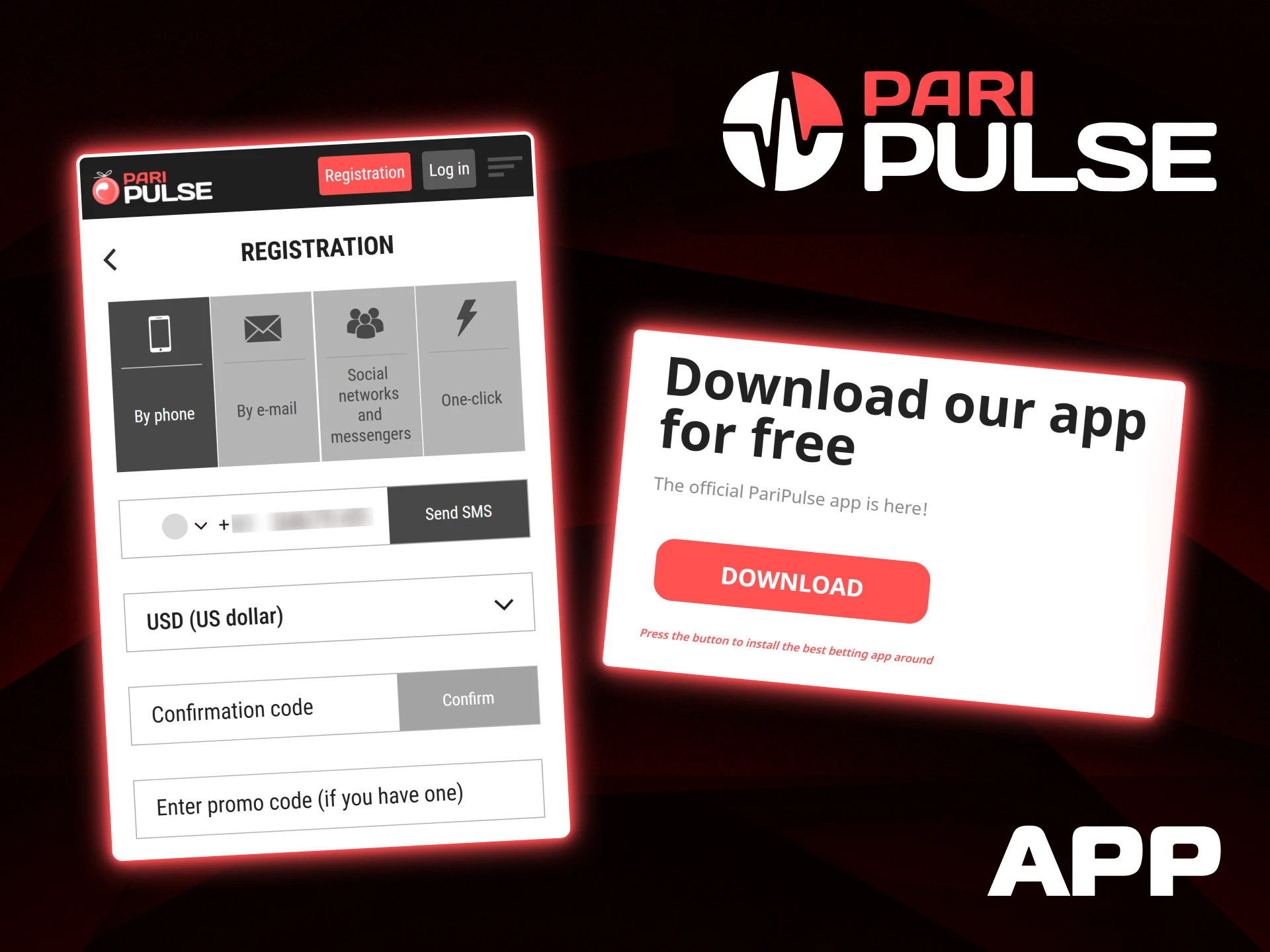
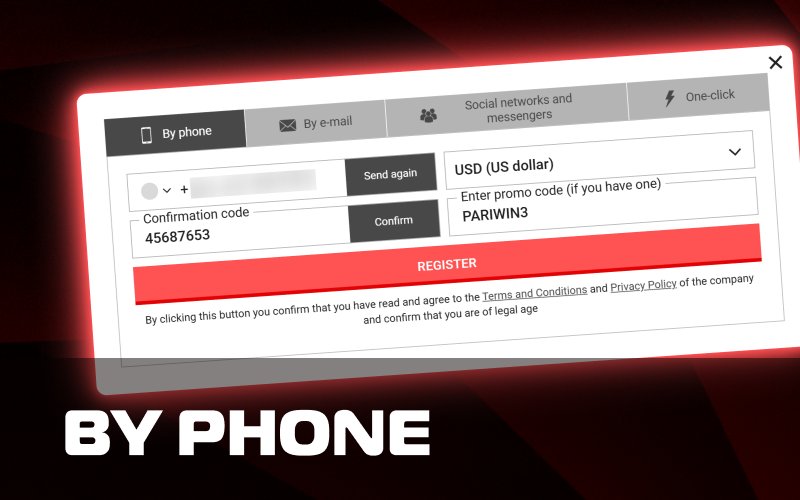
Register using your phone number and receive a confirmation code from PariPulse.

By E-mail

Paripulse registration by e-mail suits players who prefer a full account setup from the start. The process includes several standard steps and gives access to the welcome bonus during registration.

  1. Select the By e-mail tab on the registration form and choose the country and account currency.
  2. Enter an active e-mail address, phone number, first name, surname, date of birth, and permanent address.
  3. Create a password and re-enter it for confirmation.
  4. Enter a promo code PARIWIN3 and select the welcome bonus option.
  5. Confirm agreement with the Terms and Conditions and complete registration.
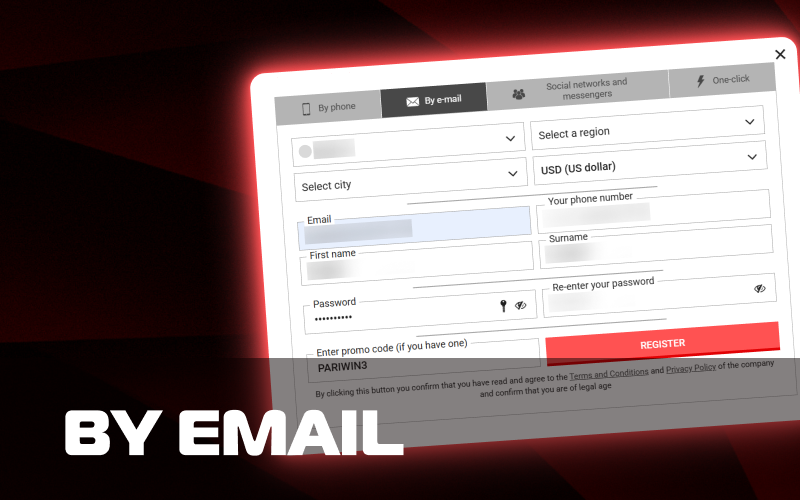
Sign up via email by entering your personal information on the PariPulse site.

By Phone

Registration by phone focuses on quick verification through SMS and requires fewer input fields at the first stage. The welcome bonus can also be selected during this method.

  1. Open the By phone tab and choose the country and currency.
  2. Enter a phone number and request the SMS confirmation code.
  3. Fill in personal details such as first name, surname, date of birth, and address.
  4. Create a password and enter a promo code PARIWIN3.
  5. Confirm the SMS code, accept the terms, and finish registration with the selected welcome bonus.
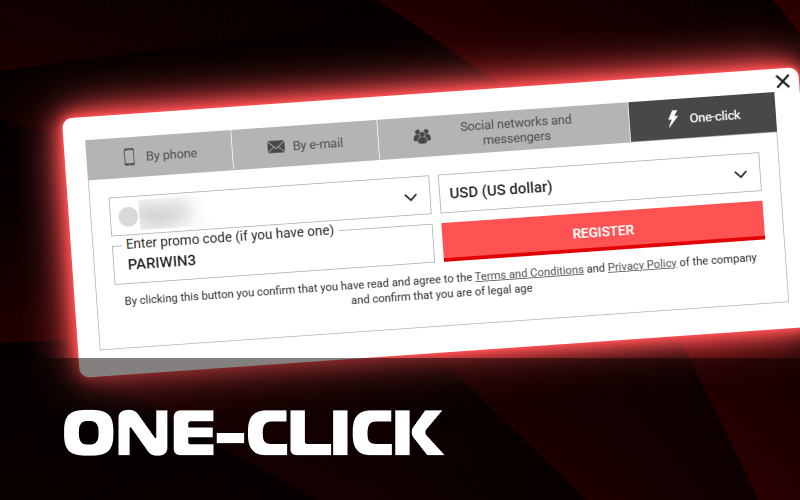
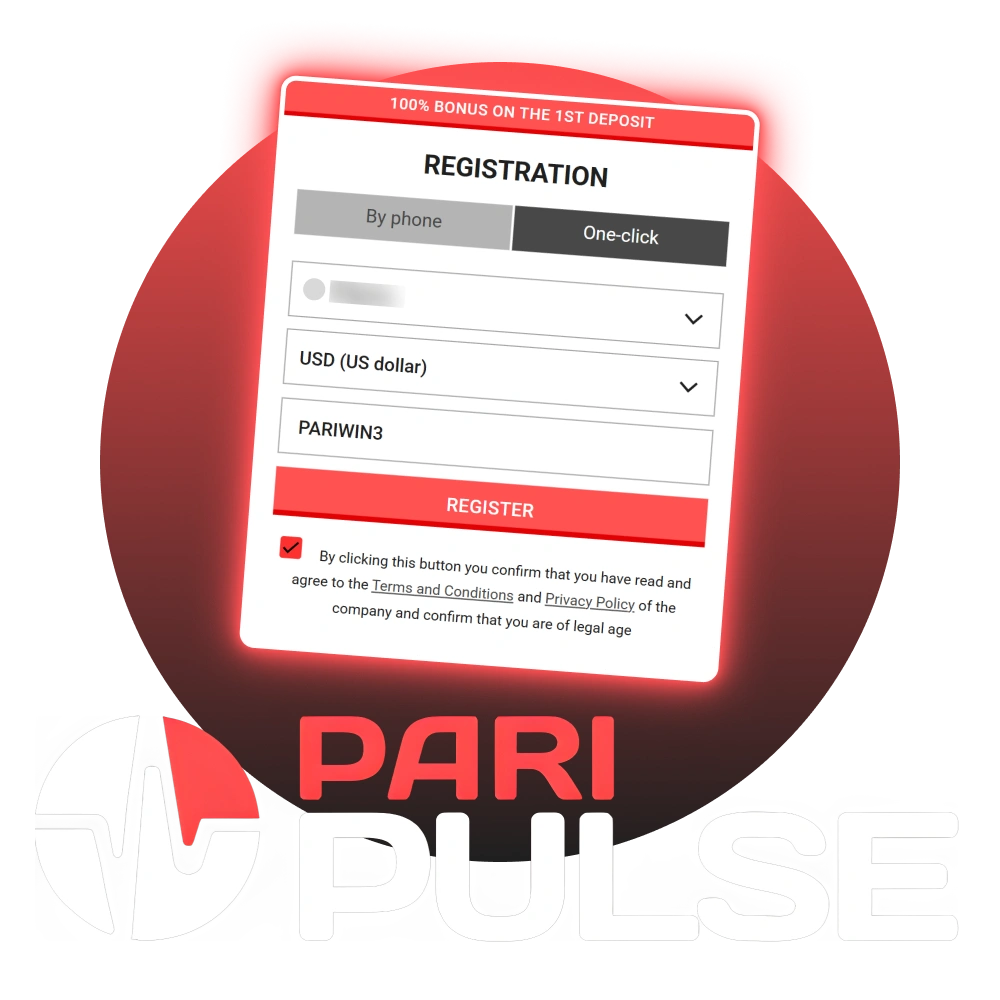
Choose the one-click registration for the fastest way to join PariPulse.

By One-Click

One-click registration allows quick account creation with minimal details. This method suits players who want fast access and plan to complete profile details later.

  1. Select the One-click tab and choose the country and account currency.
  2. Enter a promo code PARIWIN3 and select the welcome bonus.
  3. Confirm agreement with the Terms and Conditions.
  4. Complete registration with a single confirmation action.
  5. Add missing personal details later inside the account settings.
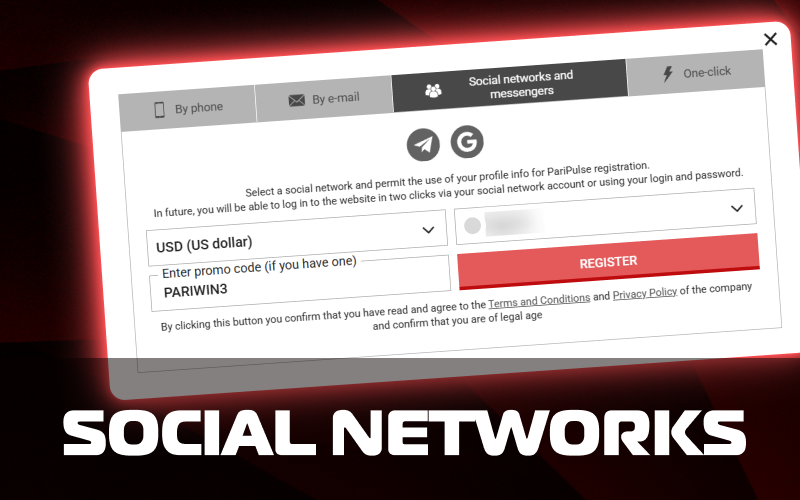
Log in or register instantly using your social media accounts on PariPulse.

By Social Network

Social network registration connects an existing profile to the Paripulse account. This method reduces manual input and keeps access simple.

  1. Open the Social networks and messengers tab and choose a supported service.
  2. Allow profile data access for registration and select the country and currency.
  3. Enter a promo code PARIWIN3 and choose the welcome bonus.
  4. Confirm agreement with platform terms.
  5. Complete registration and use the linked account for future logins.

Each registration method leads to the same account features and access level. The welcome bonus remains available across all options and can be activated during the registration process.

Account Verification Process

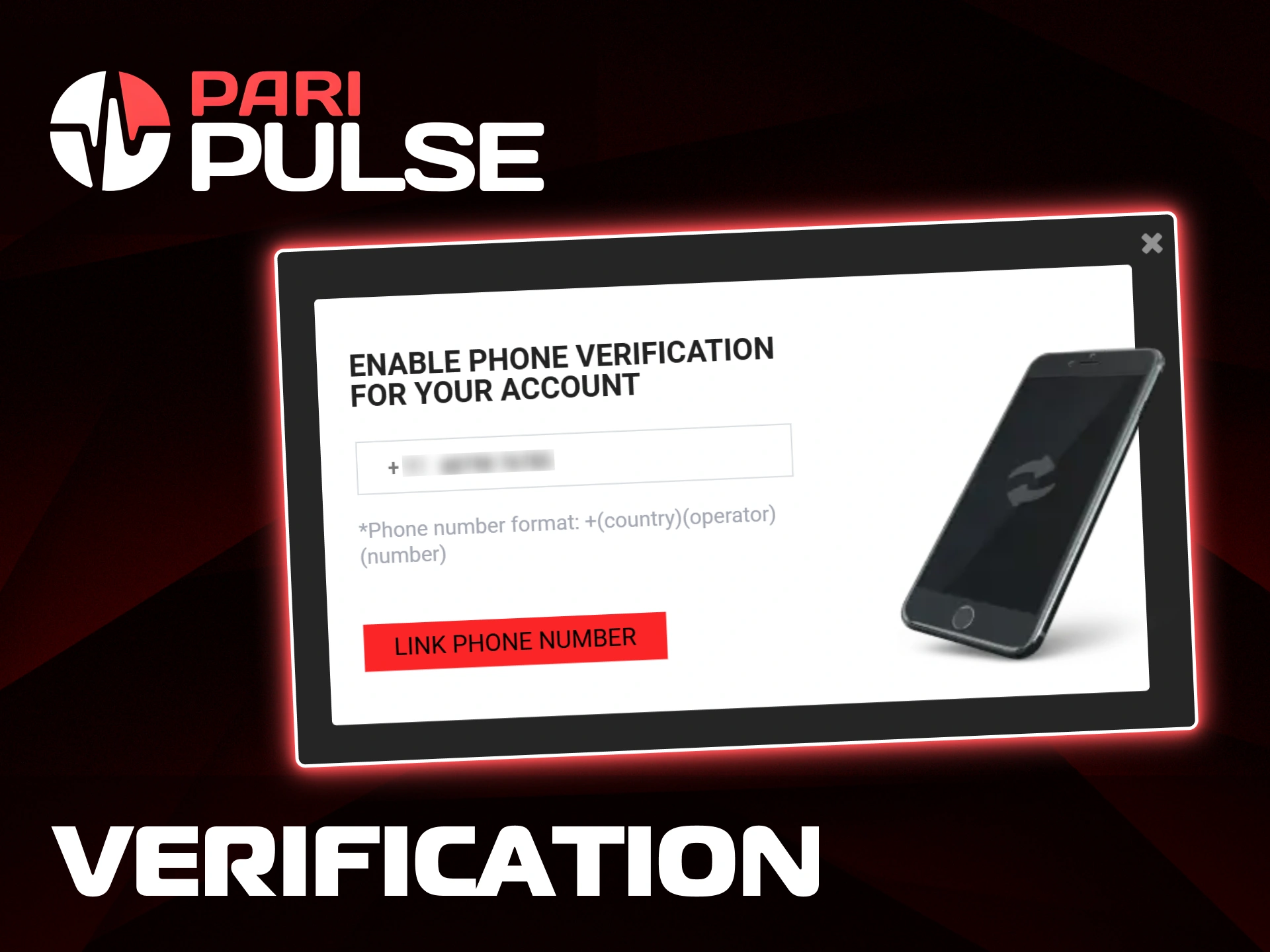
Account verification is required to ensure security, enable withdrawals, and comply with platform rules. Some features may remain unavailable until verification is completed.

Step-by-step verification instructions:

  1. Log in and open My Account.
  2. Enter your personal details and upload the required documents.
  3. Submit the information for review.
  4. Check the verification status in your account once the review is complete.
Secure your account by linking your phone number during the verification process at PariPulse.

How to Log in to Paripulse

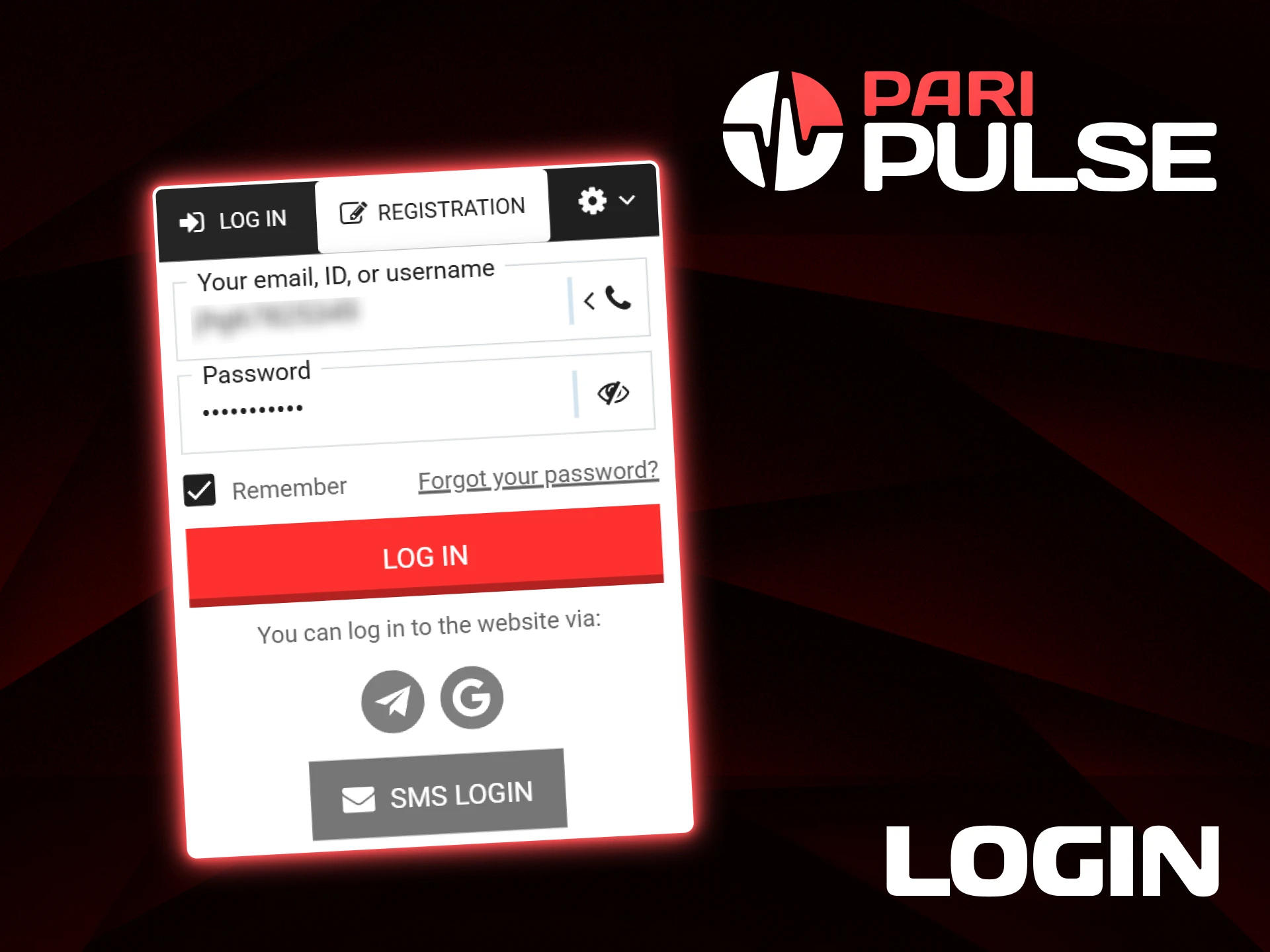
Login at Paripulse platform takes only a short time and gives direct access to the account, balance, and betting sections. The login form supports several identification options, so access remains flexible.

  1. Open the Paripulse website and find the Log in button at the top of the page.
  2. Enter an account ID, email address, username, or phone number in the first field, then add the account password.
  3. After confirmation, the account opens immediately.
  4. Social network login and SMS login may also appear as options, depending on account settings.
Enter your credentials in the login form to access your PariPulse profile.

Paripulse’s Welcome Bonuses

New players can receive a welcome bonus after registration and the first deposit. Once personal details are completed and the phone number is confirmed by SMS, the bonus funds are added automatically and can be used for betting under clear conditions.

Welcome Bonus Details:

  • 100% first deposit bonus up to 300 USD;
  • Minimum deposit: 1 USD;
  • Wagering requirement: 5× the bonus amount;
  • Bets must be placed on accumulators only;
  • Each accumulator must include at least three selections;
  • Minimum odds: 1.40 per selection;
  • Only settled bets count toward wagering;
  • Refunded bets do not count.

Welcome bonuses are limited to one per player. Cryptocurrency accounts are not eligible. Verification may be required at any time, and failure to confirm identity results in bonus cancellation. After wagering is completed, funds up to the bonus amount are transferred to the main balance, subject to minimum stake rules.

Register now to claim the 100% first deposit bonus for sports betting at PariPulse.

Register via Mobile App

Registration on our platform is available through both the mobile app and the website. The process is the same on all devices and leads to one shared account.

Step-by-step registration instructions:

  1. Open the mobile app or visit the official website and click Register.
  2. Choose a registration method and enter the required details.
  3. Confirm your phone number or email, if requested.
  4. Complete registration and log in to your account.

Existing players can sign in with their current credentials. Account data, balance, and settings remain synchronized between the website and the mobile app.

Download the official PariPulse app for free to register and bet on the go.

How to Delete Your Account Safely

Account deletion is available for players who choose to stop using Paripulse services. This process ensures data protection and confirms that the request is made by the account owner.

Step-by-step account deletion instructions:

  1. Contact customer support via live chat or the official support email.
  2. Send the request from your registered email or verified phone number.
  3. Provide any additional confirmation details if requested.
  4. Receive confirmation once the account is permanently closed.
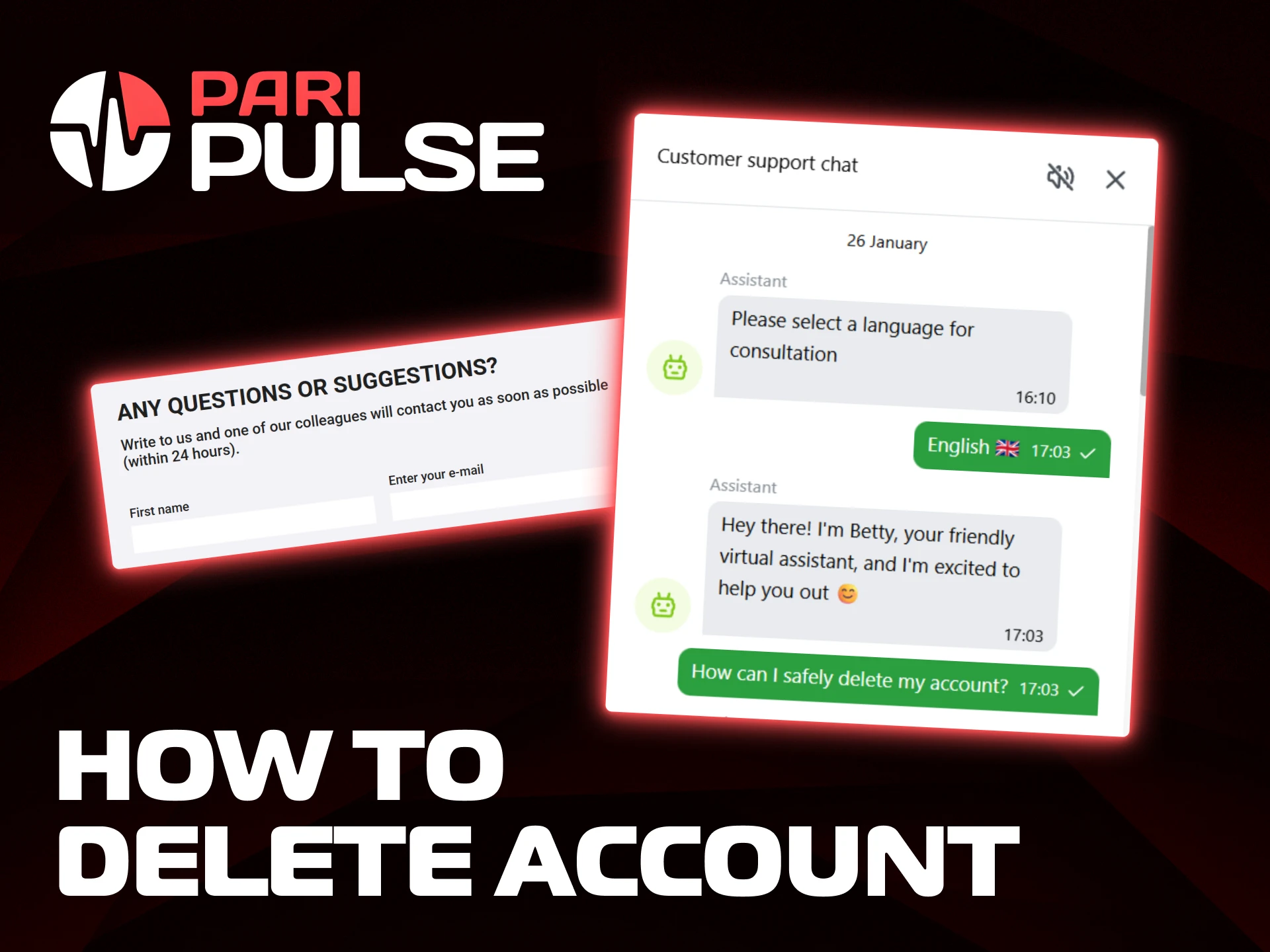
Contact customer support via live chat to request account deletion on PariPulse.

Account Recovery

Account recovery on our platform helps restore access when login details are no longer available. The process uses secure confirmation steps and can be completed in a short time.

  1. Find the Log in button on the Paripulse website or in the app.
  2. Select Forgot your password? under the login form.
  3. Enter the registered email address, phone number, or account ID.
  4. Open the recovery message sent to the selected contact method.
  5. Set a new password and confirm the change to restore account access.
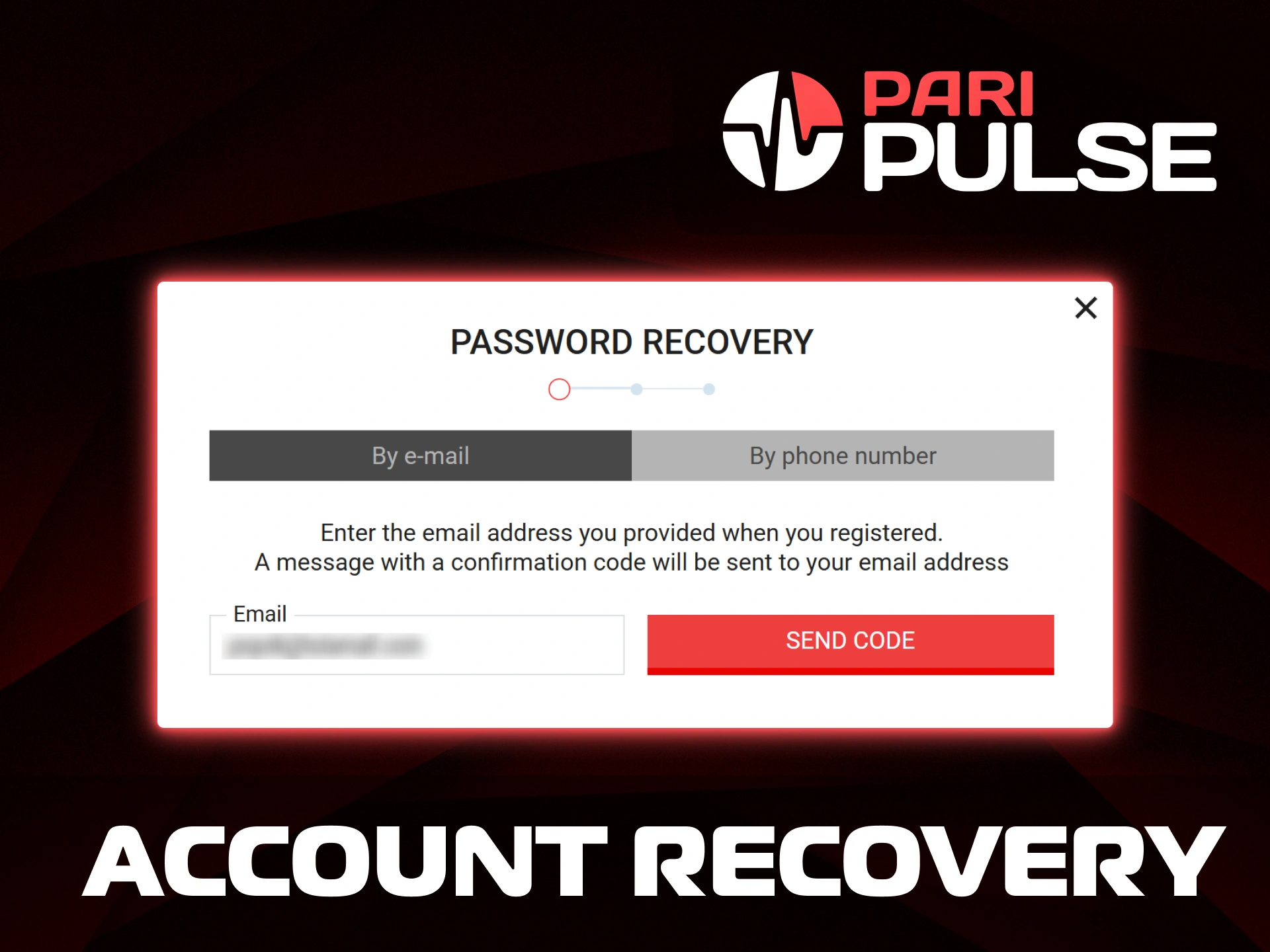
Recover your access by entering your email or phone number in the password recovery form at PariPulse.

Common Login Problems and Solutions

Access issues may appear from time to time due to input errors or security checks. The table below lists common login problems and practical ways to resolve them.

Problem Possible Reason Solution
Incorrect password Password entered with typing errors or outdated data Use Forgot your password? to reset access through email or phone
Account not found Wrong email, phone number, or account ID used Check registration details and try another identifier
Login blocked Multiple failed login attempts Wait a short time and try again, or contact customer support
SMS code not received Network delay or incorrect phone number Check phone signal, verify number, or request a new code
Social login is not working Social network access disabled or account not linked Use email or phone login, and link social account later
Account restricted Security or verification review in progress Contact customer support for status clarification

If a login issue persists after following these steps, our support team can assist through live chat or email.

Sign Up Terms and Requirements

Account creation on our platform follows clear rules that help protect accounts and keep access secure. Before registration, each visitor should review the main requirements listed below.

  • Minimum age requirement is 18;
  • Personal details must be accurate and belong to the account holder;
  • One account is allowed per person;
  • Email address or phone number must remain active and accessible;
  • Password must stay confidential and not be shared with third parties;
  • Country selection must match the place of residence;
  • Acceptance of the Terms and Conditions is required;
  • Identity documents may be requested during verification.

Compliance with these requirements supports account security and uninterrupted access to platform features.

Need Help? Contact Paripulse’s Support Team

Our support team stays available through several contact channels. Each option fits a different type of request and helps route messages to the right department.

  • Live chat: Live chat works directly on our website and suits quick questions about registration, login, verification status, or account settings. Messages reach a support agent in real time during active sessions;
  • Email: The main support address is [email protected]. Email contact fits detailed requests, document checks, technical issues, and account recovery matters. Messages are reviewed by our support staff and handled according to request type;
  • Social media: Our official pages on Facebook, X, Instagram, and Telegram share platform updates, news, and general announcements. Social channels do not process private account data, so personal issues are redirected to secure support options;
  • Contact form: The contact form on our website allows structured requests by topic. This option helps submit questions with clear details and keeps communication linked to the selected issue.

Choosing the right contact channel helps resolve questions faster and keeps communication secure.

Find the list of official email addresses to contact the PariPulse support team.

FAQs

Can support help change personal details in an account?

Yes, our support team can assist with updates to personal details. Some changes may require document confirmation to keep account data accurate.

Is live chat available at all times?

Live chat operates daily and appears on our website when agents are available. Outside active hours, email contact remains the best option.

How long does it take to receive a reply by email?

Email requests are reviewed in the order received. Response time depends on request type and document checks, but most messages receive a reply within a short review period.

Can social media be used for account problems?

Social channels are used for general communication and updates only. Account-specific issues require secure contact through email, live chat, or the contact form.

What details should be included in a support request?

Support messages should include account ID or registered contact details, a clear description of the issue, and any related screenshots or references.

Comments

The value is incorrect

The value is incorrect

The value is incorrect

Something went wrong. Please, try again later

Updated: